Follow the task from teacher to learner
- 01
Teacher chooses
A theory or aural task linked to the piece.
- 02
Teacher checks
Range, question type, challenge and completion rule.
- 03
Learner finds
The same named task in their account.
- 04
Discuss
Try a question and explain the reasoning.
Open Theory & Aural → Create exercise, choose the exercise and configure it in the builder.
Step-by-step explanation
Save and assign an exercise
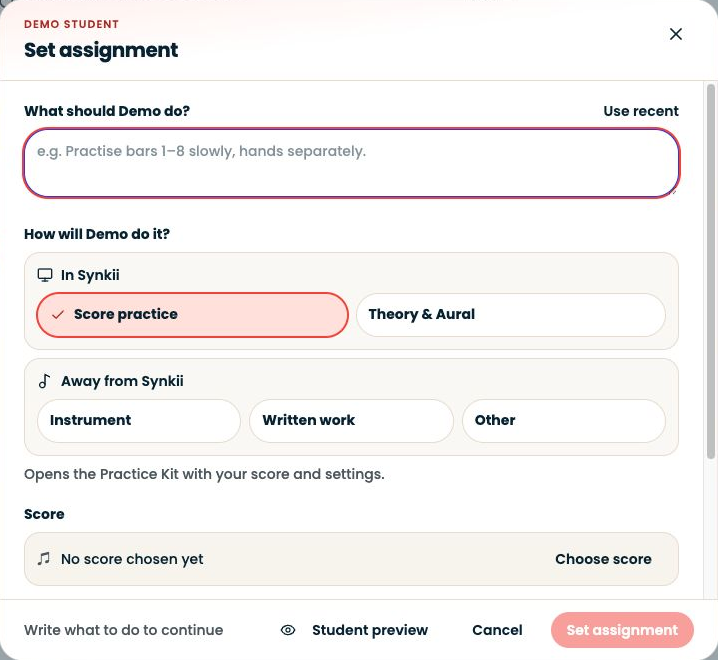
- Open Theory & Aural → Create exercise, choose the exercise and configure it in the builder.
- Try Live Preview, then save the template.
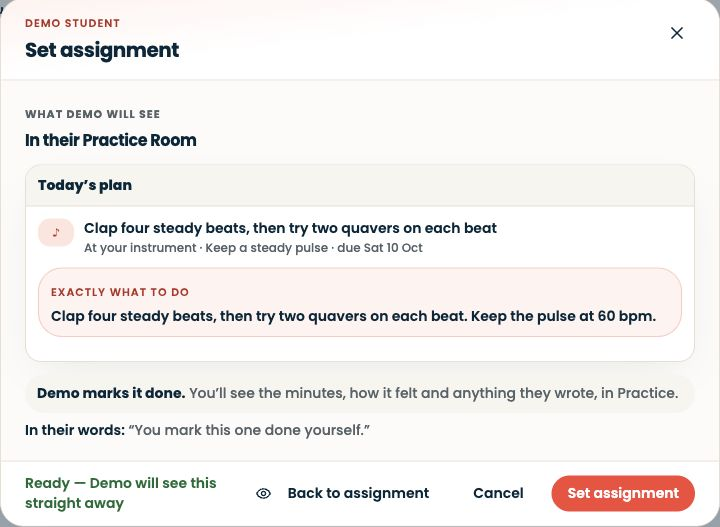
- In the exercise library, choose Set assignment, select the intended student and review the assignment details.
- The saved template alone is not assigned work.
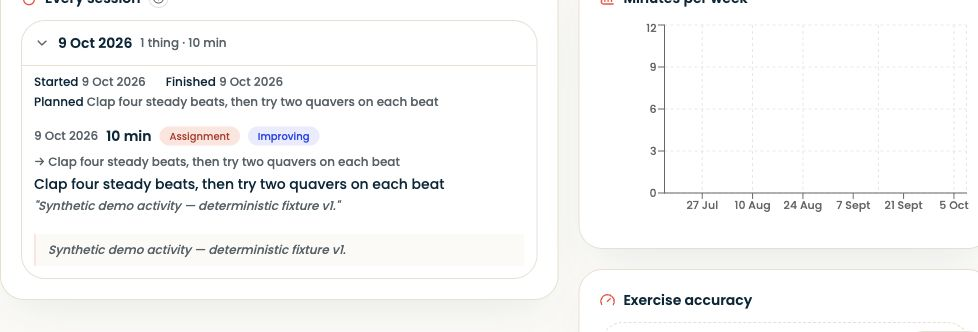
- Students find assigned exercises in Practice Room.
Written walkthrough
Use the steps above in the correct account and teaching relationship. Check that the intended lesson, student or resource is selected before making changes. If an action is unavailable, check your plan and the current lesson or assignment status. Confirm the result on screen before leaving the page.