Repertoire, theory and aural work can reinforce the same musical idea. Build a week around a connection the learner can hear.
Save and assign an exercise
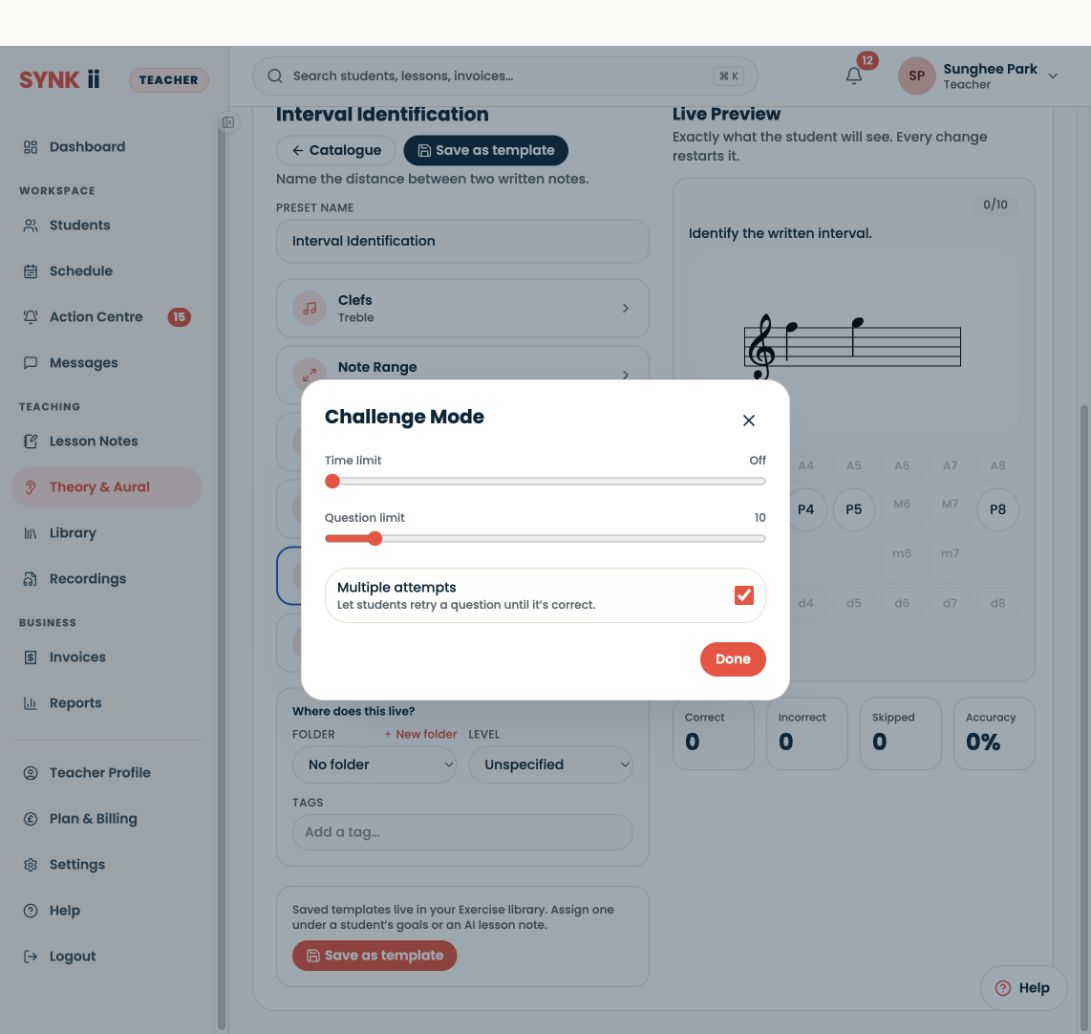
Open Theory & Aural → Create exercise, choose the exercise and configure it in the builder. Try Live Preview, then save the template. In the exercise library, choose Set assignment, select the intended student and review the assignment details. The saved template alone is not assigned work. Students find assigned exercises in Practice Room.
Example: intervals in a melody
Choose a short passage containing steps and thirds. The main playing task is to keep the phrase moving. The theory task is to name a few written intervals. The aural task is to distinguish a step from a wider movement.
Plan three small sessions
Session A: play the passage slowly, identify one difficult join and practise it.
Session B: complete a short theory or aural activity, then find the same idea in the score.
Session C: play the passage again and describe what has become easier.
The sessions do not need identical lengths. Give a shorter option for a busy day.
Check the settings
Before assigning an exercise, check its range, question type, difficulty and completion requirements. A student who is learning the method may need untimed work before speed becomes useful.
Leave room for choice
Let the learner choose the order of two suitable activities or add an idea they want to explore. Keep the main goal visible.
At the next lesson, connect the activities again: “Where did you hear that interval in your piece?” Separate tasks become more meaningful when the learner can explain their relationship.
Use the listening exercise pack.
Assign while you are together
Prepare exercise settings before the lesson, then open the scheduled Classroom for online or in-person teaching. Customise and try the task with the student, and assign it during the lesson so they leave knowing how to start. Review the following week’s attempts from Students → select the learner → Practice.