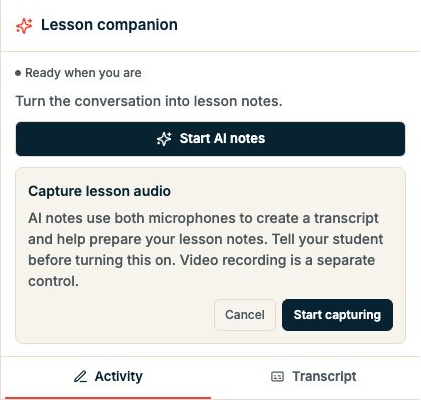
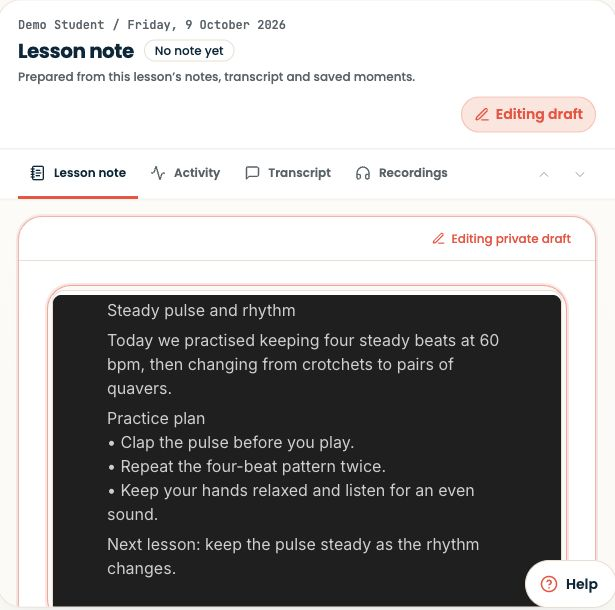
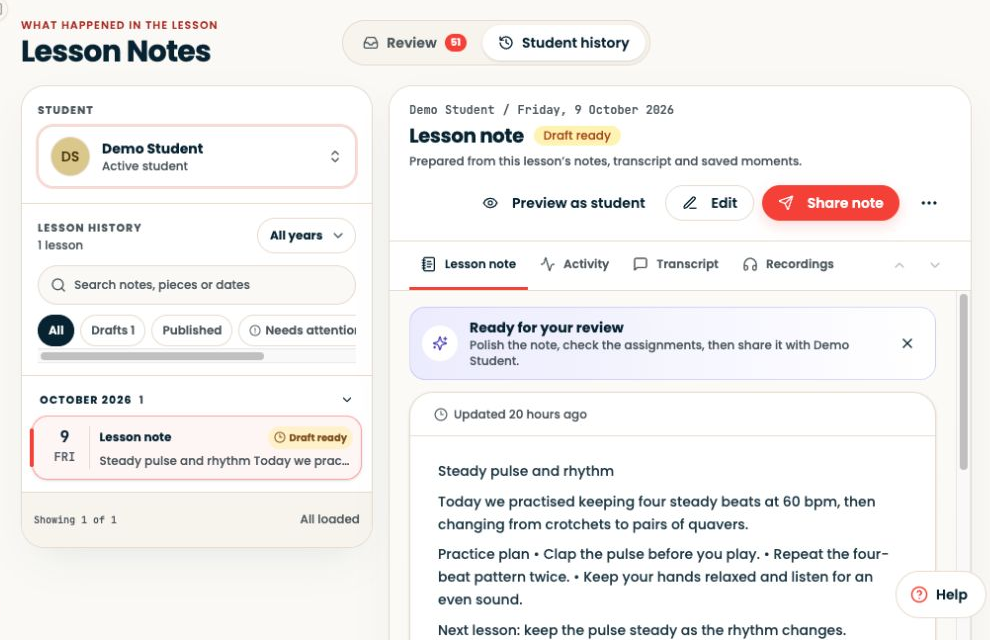
A manual task should be easy to start
- 01
Title
Keep the pulse through bars 1–2.
- 02
Instructions
Tap and count once; play twice slowly.
- 03
Listening cue
An uninterrupted beat when the melody turns.
- 04
Final check
Correct learner, clear task, available score.
Open Students → select the learner → Assignments to manage the work you set.
Step-by-step explanation
Set work in the student record
- Open Students → select the learner → Assignments to manage the work you set.
- Choose a manual assignment when the task needs your own instructions rather than an automatically marked exercise.
- Check the title, resource and completion requirements.
- During the lesson, explain and assign the task while the student can try it with you.
Written walkthrough
Use the steps above in the correct account and teaching relationship. Check that the intended lesson, student or resource is selected before making changes. If an action is unavailable, check your plan and the current lesson or assignment status. Confirm the result on screen before leaving the page.