Observation → explanation → one action
- 01
Pinned observation
“The melody paused at the turn.”
- 02
Explain
The next note needs preparation without losing the beat.
- 03
Assign an action
Count bars 1–2, then play slowly through the join.
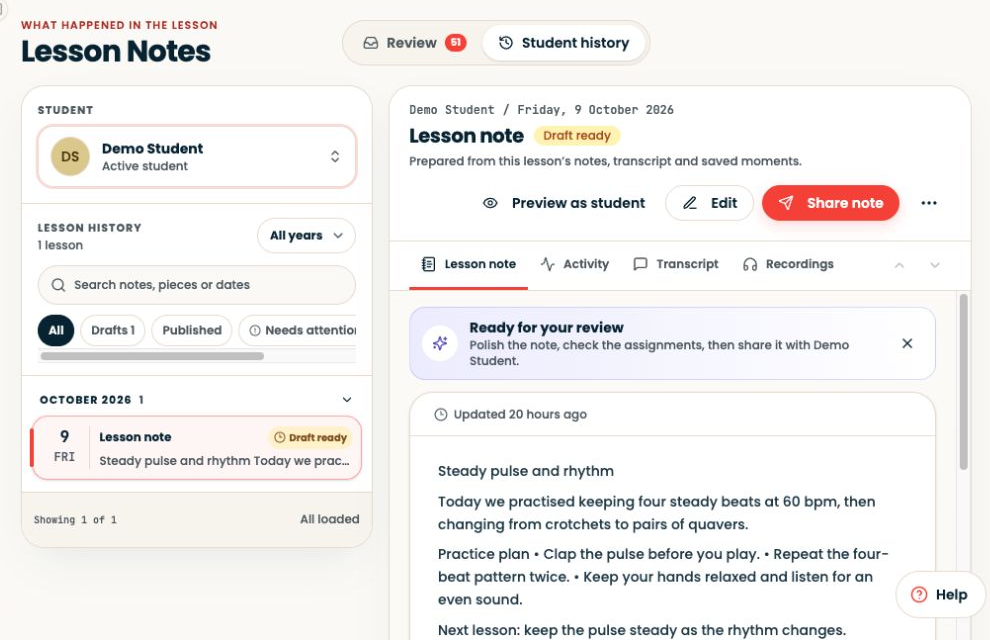
Find the relevant lesson in Lesson Notes and review the captured observation.
Step-by-step explanation
Return to the lesson context
- Find the relevant lesson in Lesson Notes and review the captured observation.
- If you also made a recording, open Recordings and find the matching lesson before referring to a timestamp.
- Include the piece and bar numbers in the guidance.
- Confirm a recording exists before asking the learner to listen to it.
Written walkthrough
Use the steps above in the correct account and teaching relationship. Check that the intended lesson, student or resource is selected before making changes. If an action is unavailable, check your plan and the current lesson or assignment status. Confirm the result on screen before leaving the page.