Choose work, practise and review the session
- 01
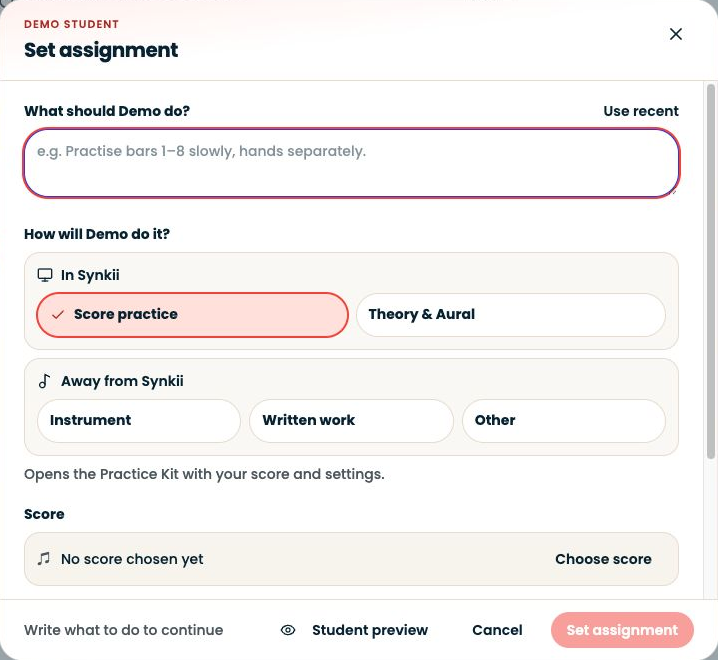
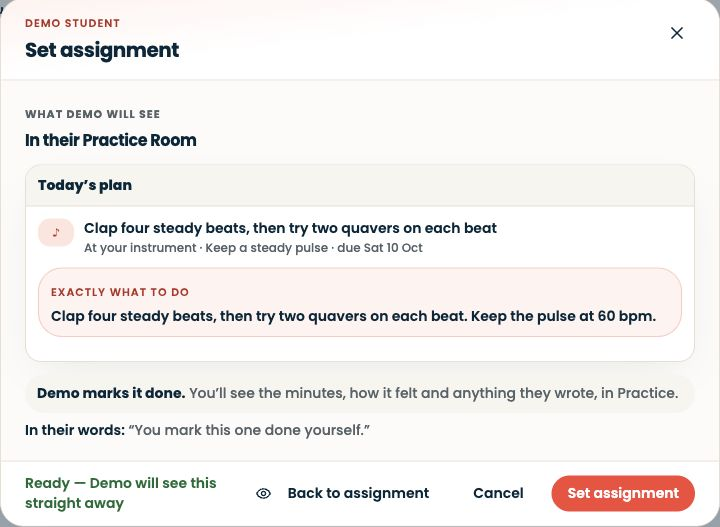
Choose work
A manageable set of tasks for today.
- 02
Practise
Start and attempt the chosen work.
- 03
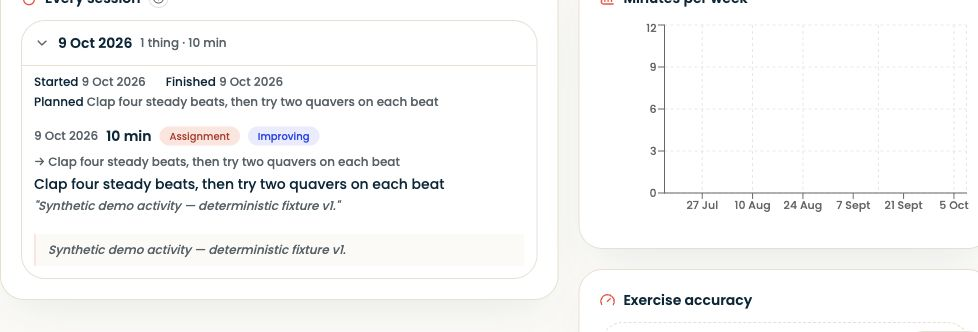
Review
Check that the report reflects the sitting.
- 04
Finish
The session is recorded; follow any separate submission instruction.
In the student account, open Practice Room, choose today’s work and start a session.
Step-by-step explanation
Follow the current Practice Room
- In the student account, open Practice Room, choose today’s work and start a session.
- Practise the selected activities, then finish and read the session report.
- The current room records the session as it runs; it does not use the older separate save-at-the-end workflow.
- Completing or submitting an assignment remains distinct from finishing the session.
Written walkthrough
Use the steps above in the correct account and teaching relationship. Check that the intended lesson, student or resource is selected before making changes. If an action is unavailable, check your plan and the current lesson or assignment status. Confirm the result on screen before leaving the page.