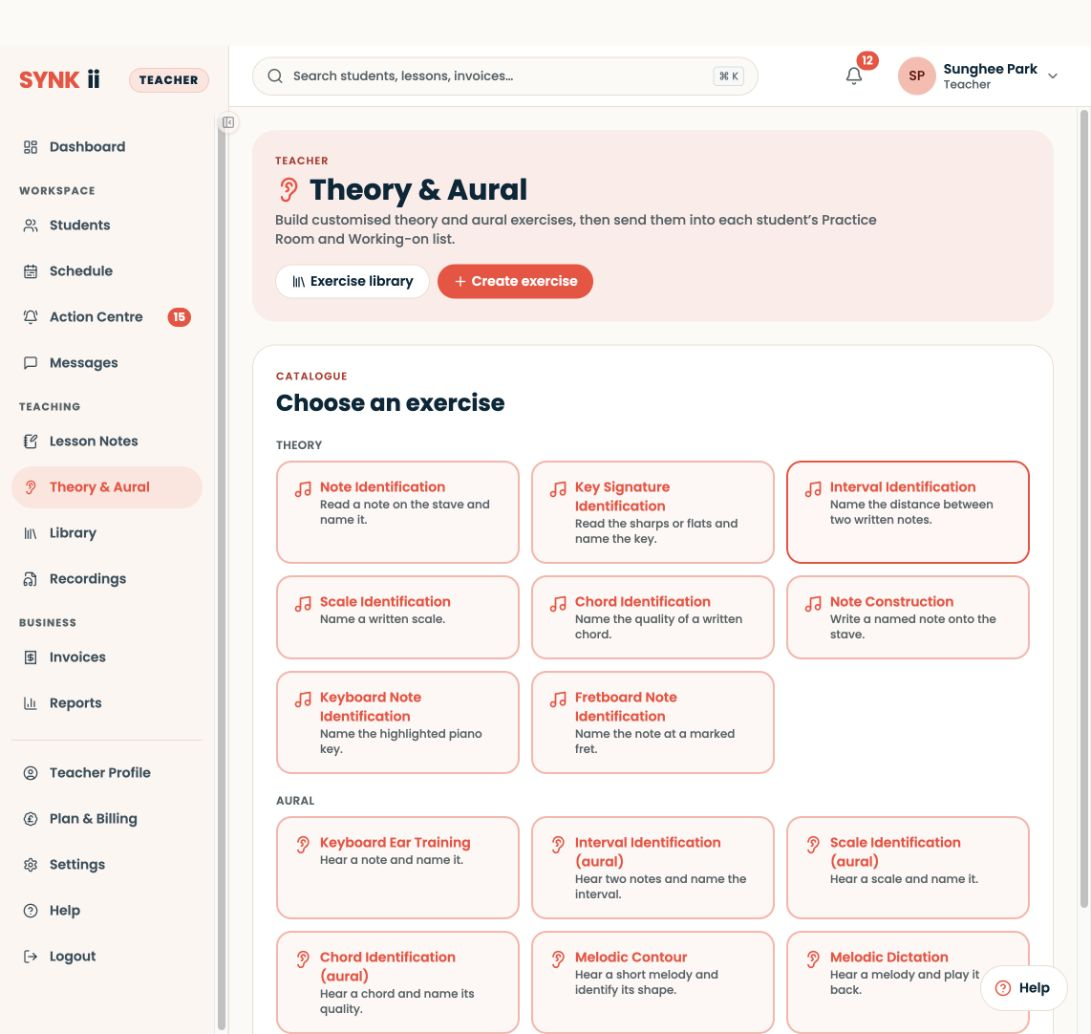
Prepare in Theory & Aural → Create exercise → Interval Identification.
Written walkthrough
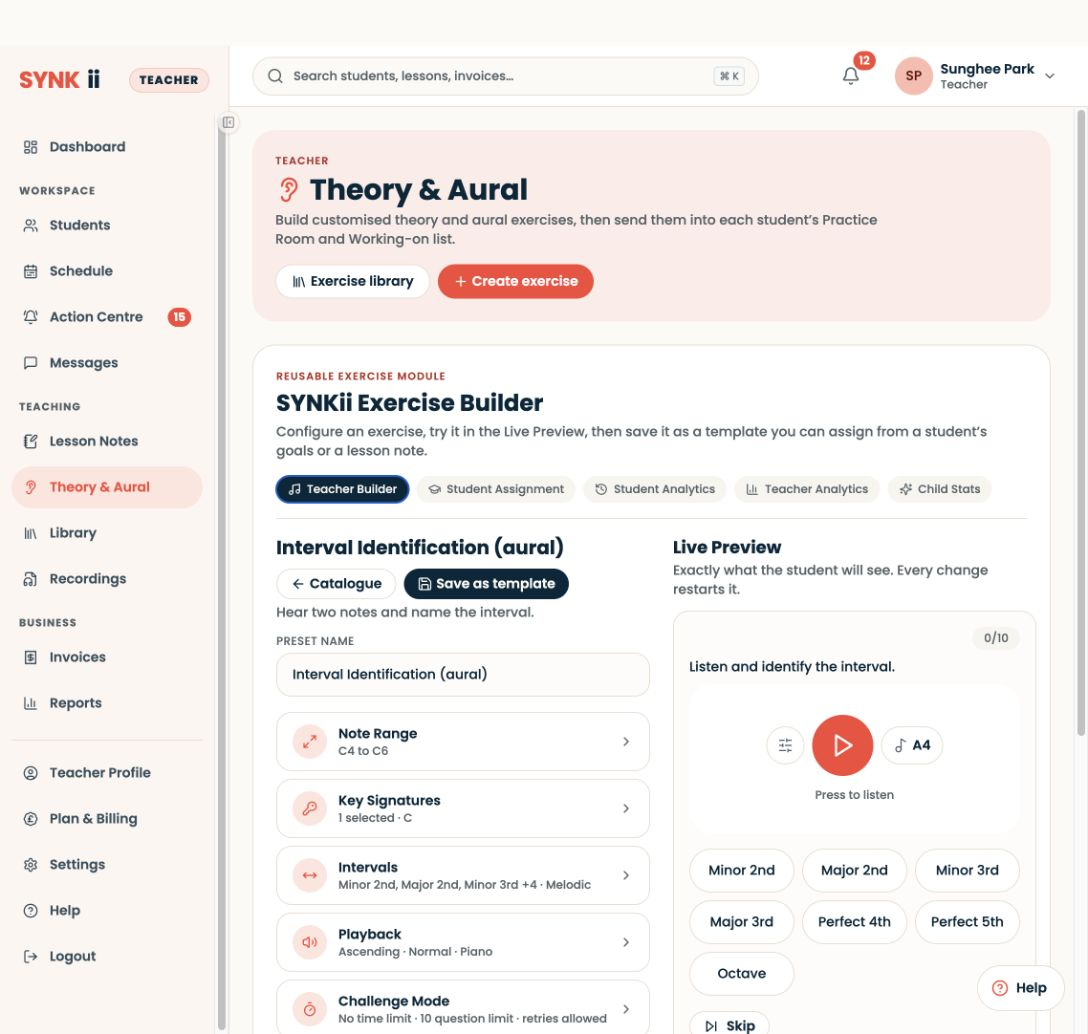
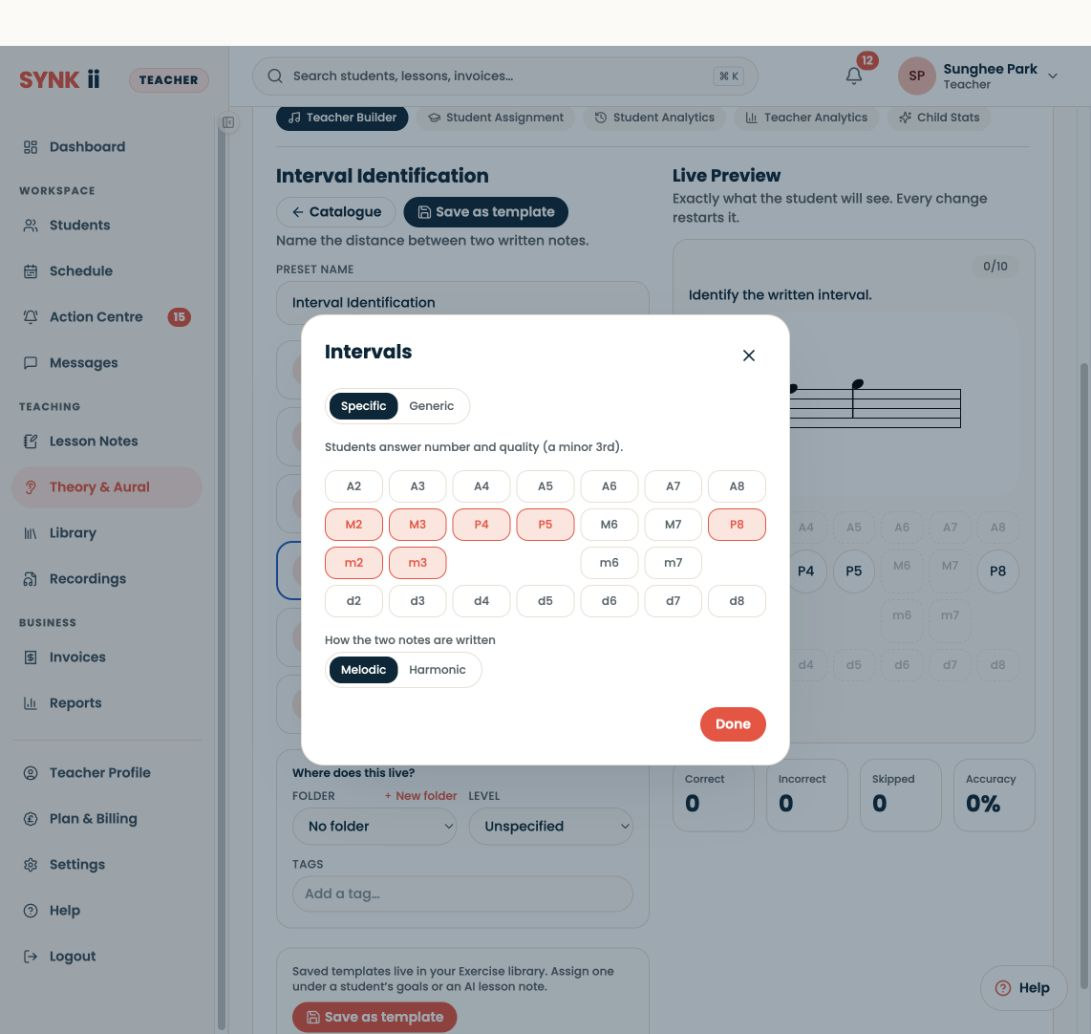
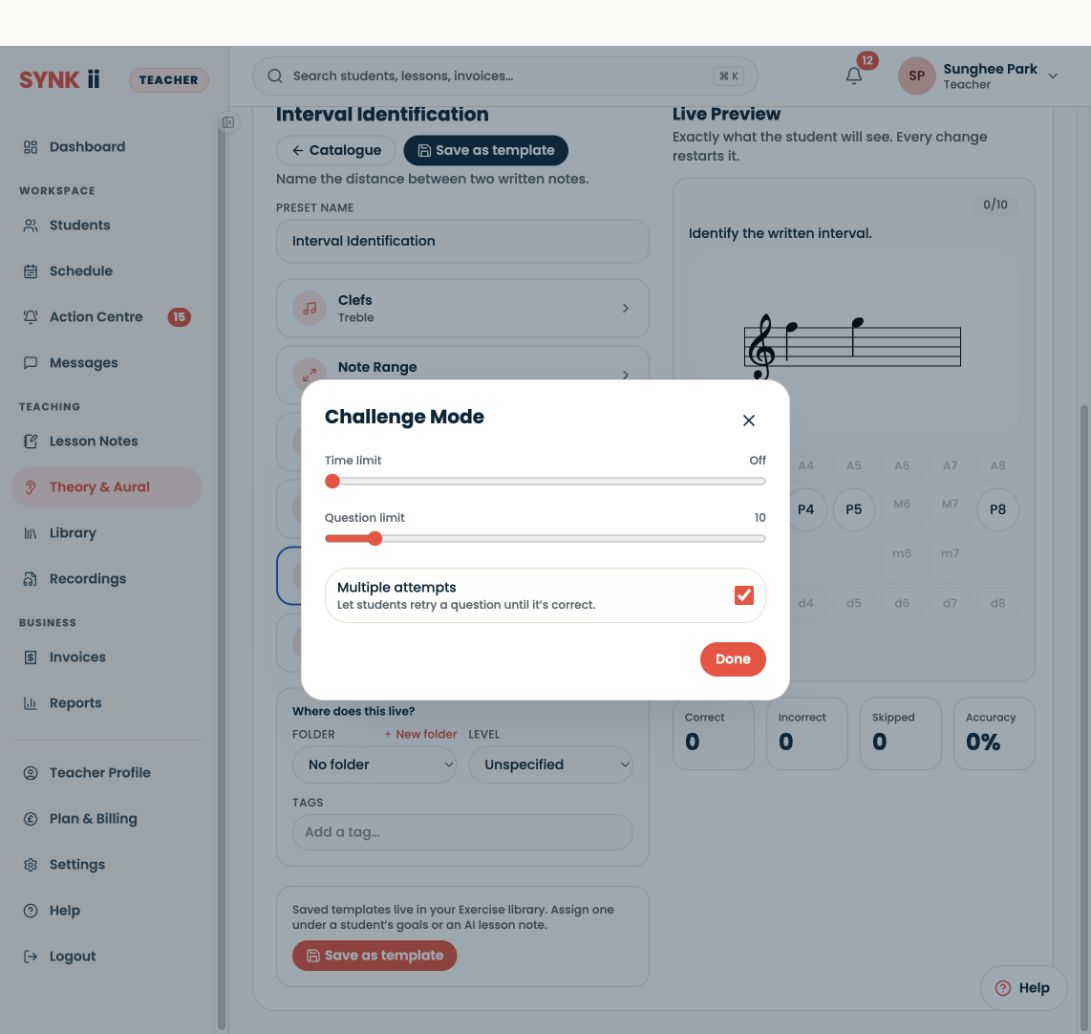
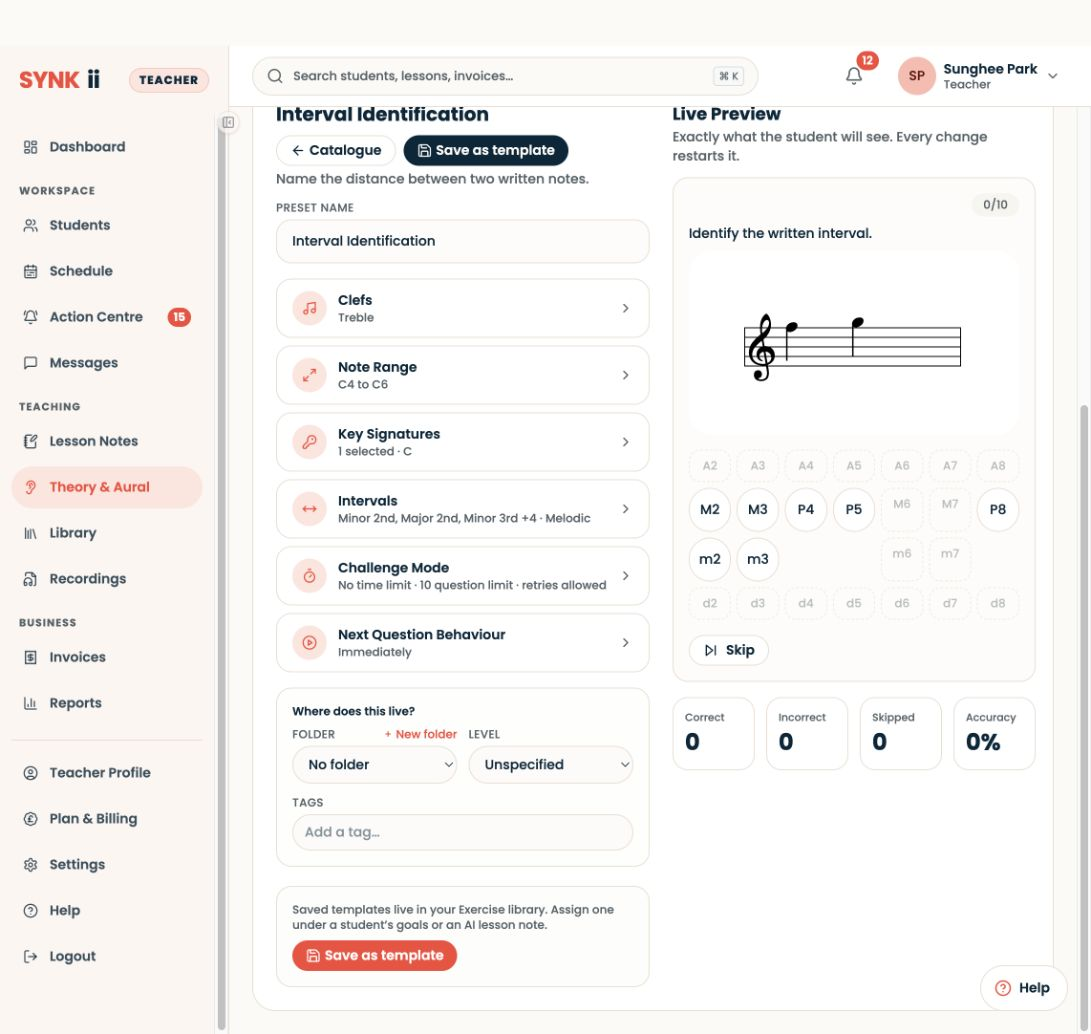
Prepare in Theory & Aural → Create exercise → Interval Identification. Choose the interval types, clef, range and challenge settings appropriate to your student, then try Live Preview. During the lesson, work through examples in the Classroom using your own interval-teaching method. Save and assign the exercise for repeated practice; preview counters are not student results.
Step-by-step explanation
Exercise setup. Choose the written or aural task and the interval types that support your own explanation.
Settings. “I keep the register familiar and avoid adding speed pressure while the method is new.”
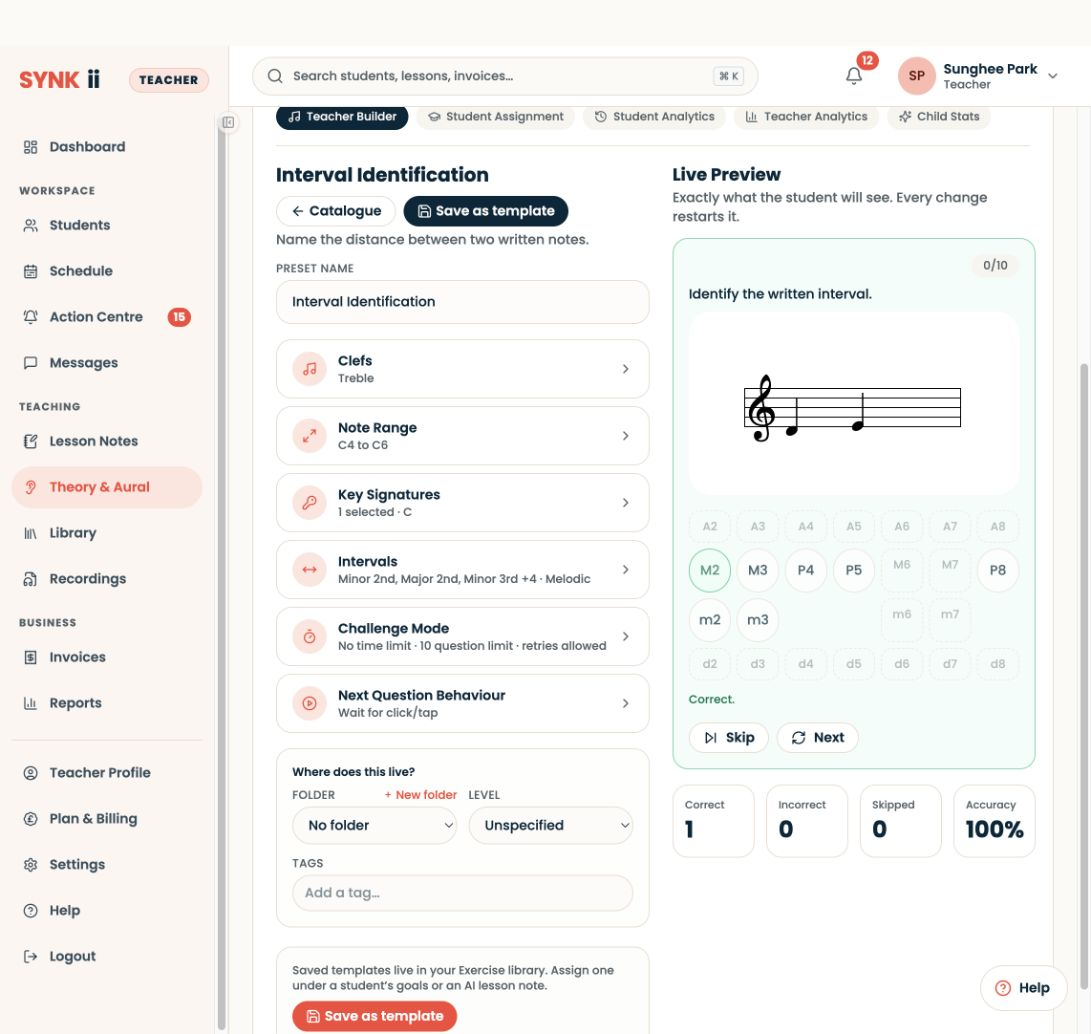
Live Preview. “I check the notation and answer choices before saving. In this preview, the answer is a major second.”
Feedback. “Correct feedback updates the preview counters. These are my preview attempts, not a student’s saved work.”