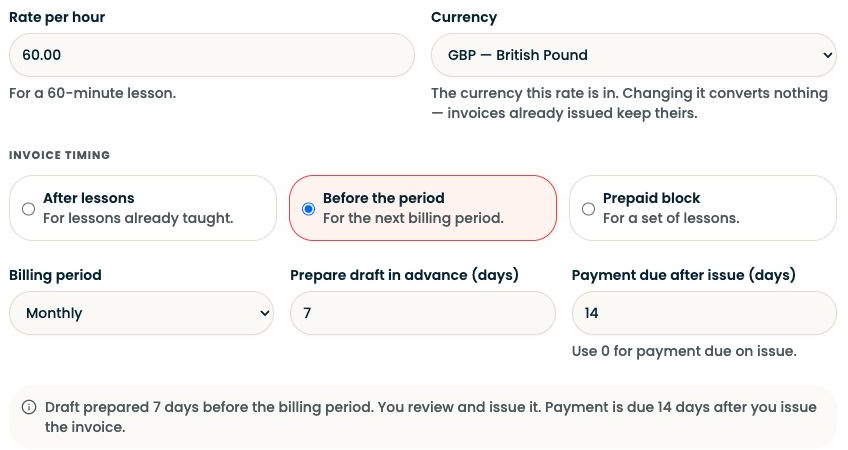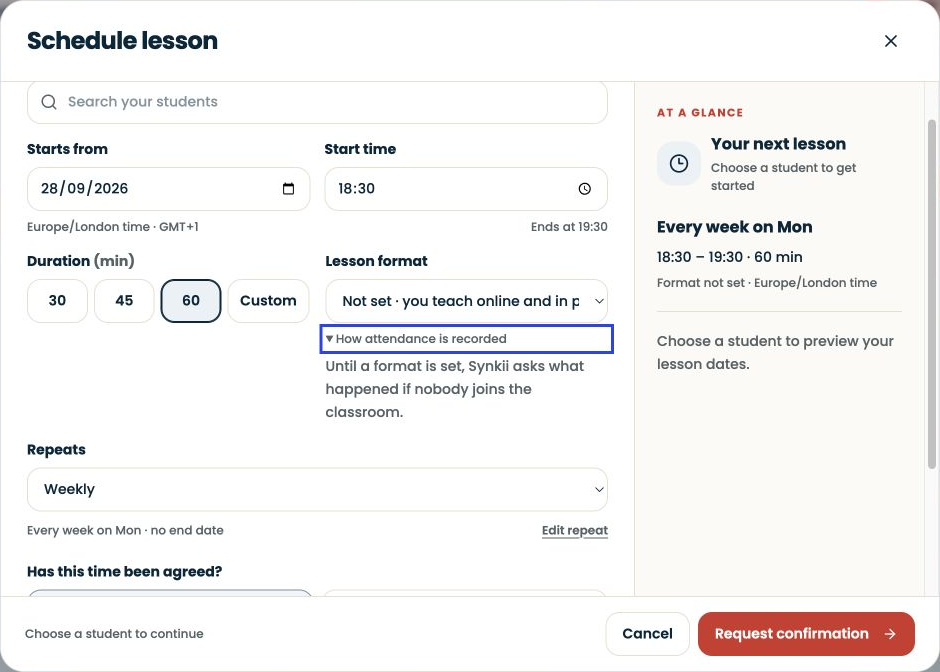
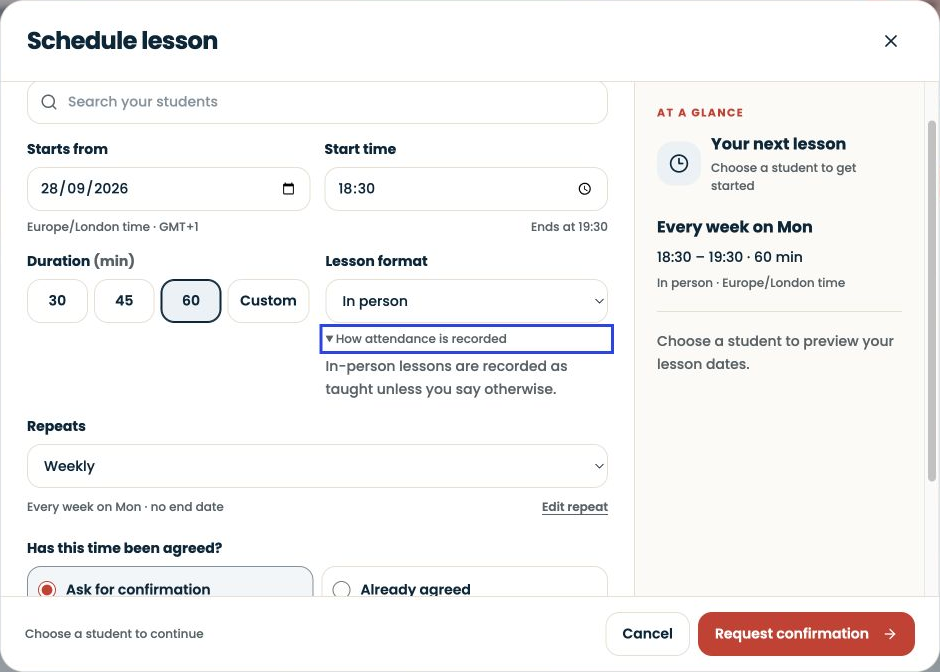
Create the lesson from Dashboard → Schedule lesson or Schedule → New.
Written walkthrough
Create the lesson from Dashboard → Schedule lesson or Schedule → New. For Pro and Studio, use Enter classroom for the scheduled lesson, including in-person teaching. Review the lesson outcome afterwards and resolve confirmation items in Action Centre before billing. Lesson format affects attendance handling; entering a classroom is not proof of payment.
Step-by-step explanation
Check the arrangement. A proposed time and an agreed time are different. Choose Ask for confirmation or Already agreed according to the actual arrangement with the family.
Check the repeat. Look at the next-lesson summary and repeat pattern before submitting. A weekly arrangement should not accidentally imply that a one-off replacement repeats every week.
Review after teaching. Open the relevant past lesson and check that attendance describes what happened. A missed lesson, cancellation and completed lesson are different records. Correct a record that does not match the event.
Attendance and payment are separate
Attendance records the lesson outcome. It does not prove that a lesson fee has arrived. When a lesson moves, preserve enough context to distinguish the original occurrence from its replacement.