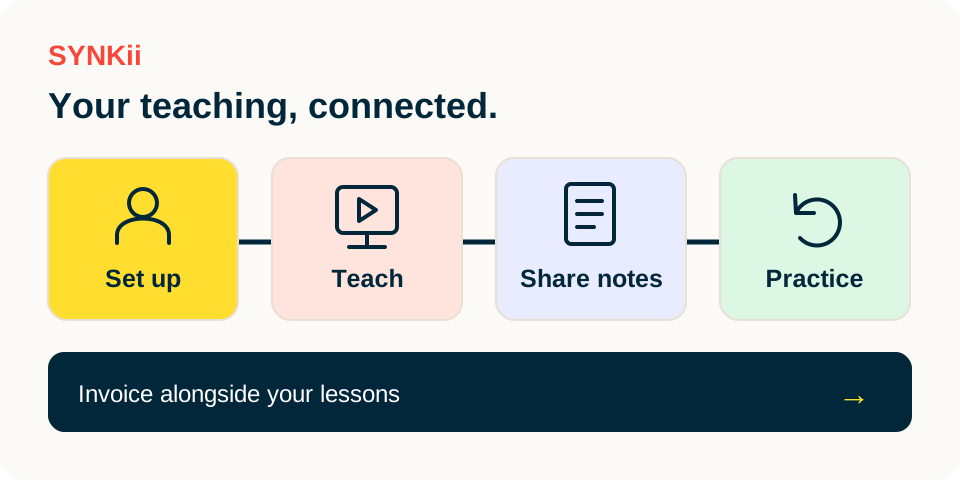
Keep the musical question connected
- 01
Prepare + teach
Can the pulse continue through bar 2?
- 02
Review the note
Turn the observation into approved guidance.
- 03
Learner practice
Find the task and attempt a small session.
- 04
Teacher review
Read the context, then hear a fresh attempt.
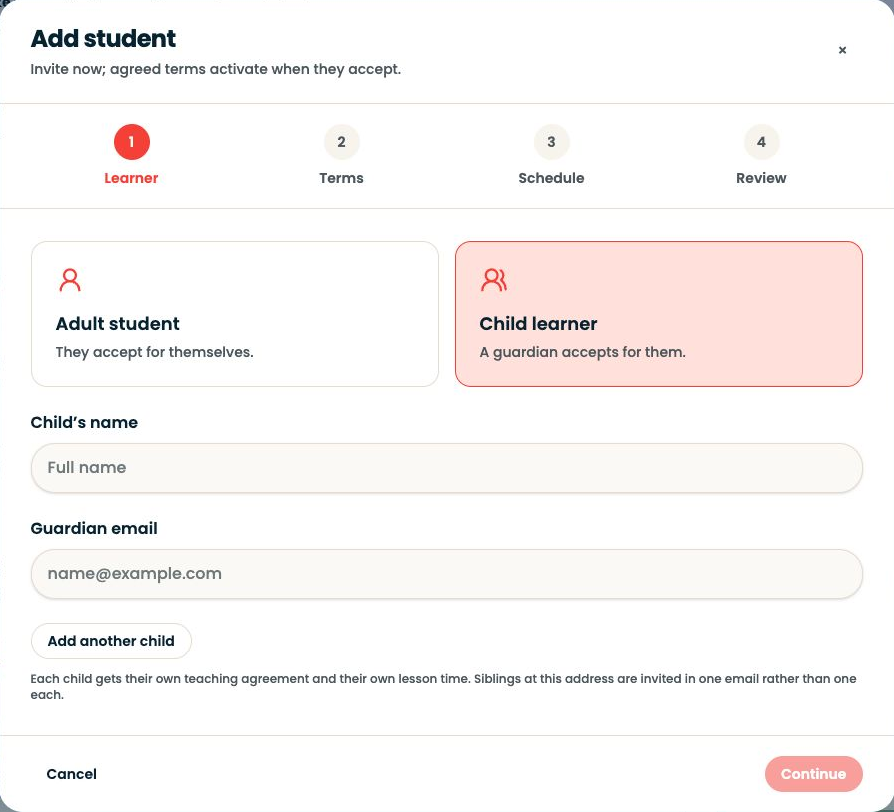
Go to Students, select the learner and use Overview for context.
Step-by-step explanation
Follow the student record
- Go to Students, select the learner and use Overview for context.
- Goals, Assignments and Practice separate the intended learning, the work you set and the activity available to review.
- Prepare from the dashboard, then enter the scheduled Classroom for online or in-person teaching.
- With Studio, try and assign the task during the lesson; review and publish the lesson note afterwards.
Written walkthrough
Use the steps above in the correct account and teaching relationship. Check that the intended lesson, student or resource is selected before making changes. If an action is unavailable, check your plan and the current lesson or assignment status. Confirm the result on screen before leaving the page.