Read the activity, then listen again
- 01
Recorded work
What task did the learner attempt?
- 02
Uncertainty
Which idea needs a conversation?
- 03
Musical check
Ask for one explanation or a short performance.
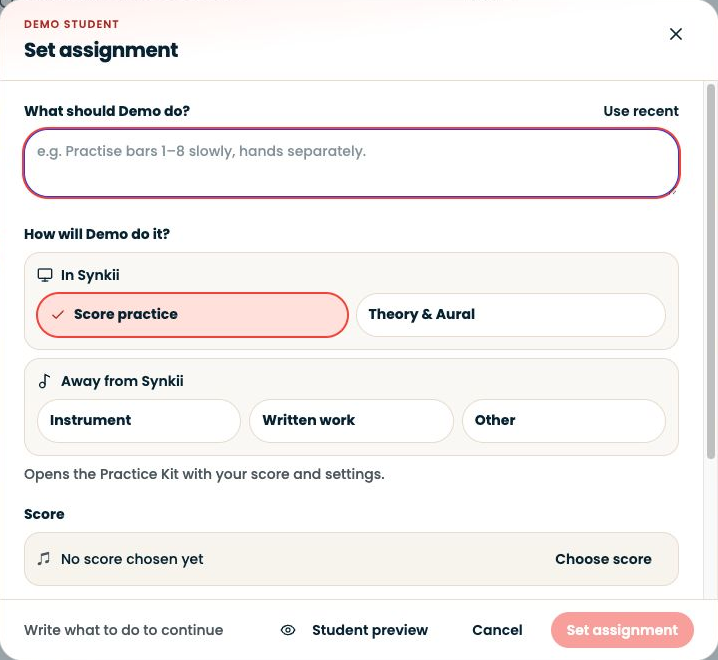
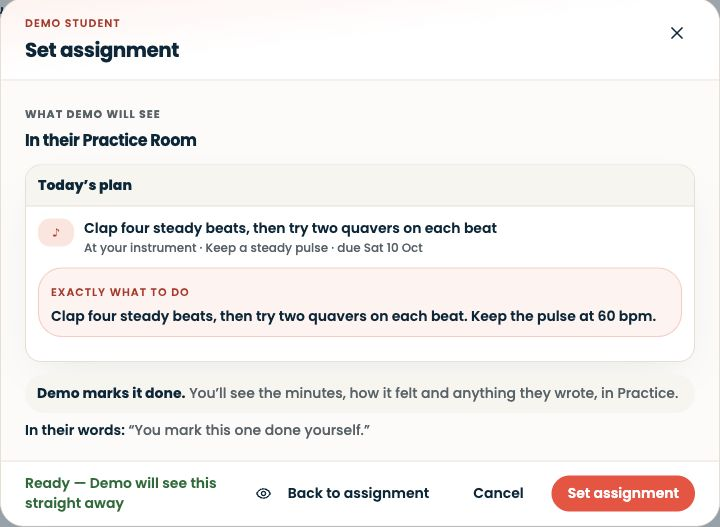
Open Students → select the learner → Practice.
Step-by-step explanation
Review from your teacher account
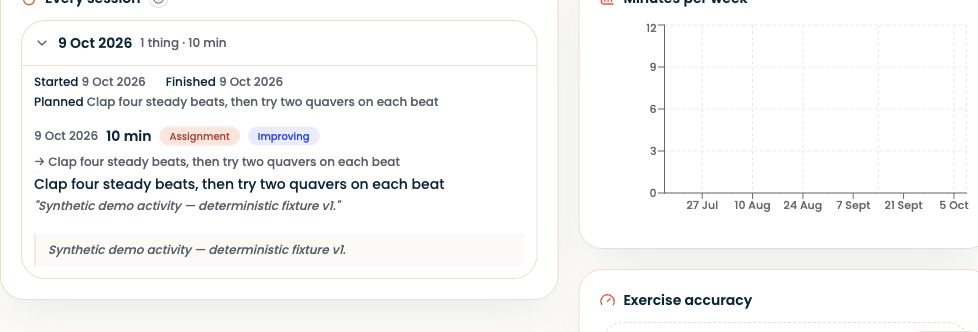
- Open Students → select the learner → Practice.
- Choose This week, Last 4 weeks or All, then inspect the available session and exercise evidence.
- You do not need the learner’s login.
- This view contains the practice information available to your teaching relationship, not unrestricted access to everything the student does.
Written walkthrough
Use the steps above in the correct account and teaching relationship. Check that the intended lesson, student or resource is selected before making changes. If an action is unavailable, check your plan and the current lesson or assignment status. Confirm the result on screen before leaving the page.