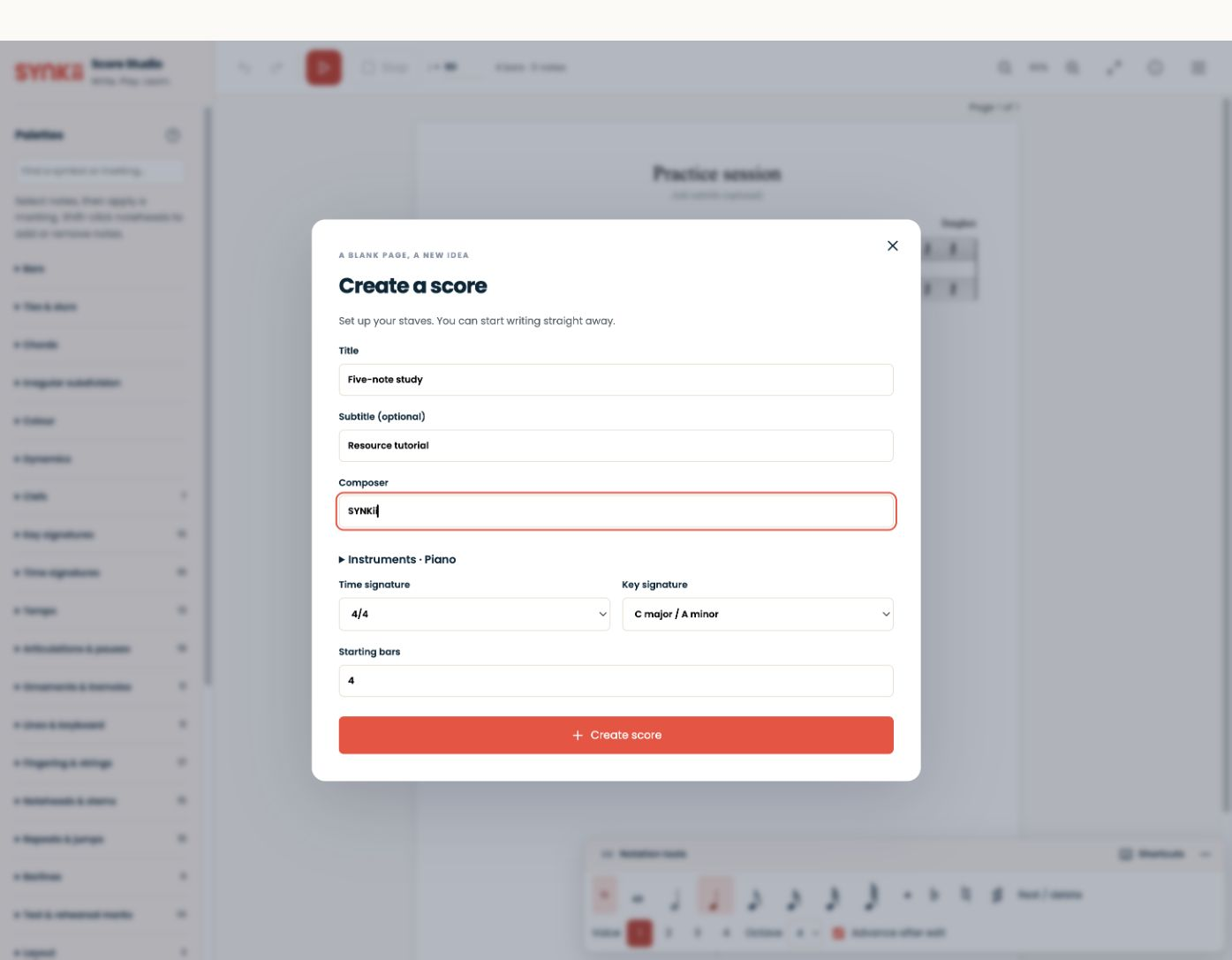
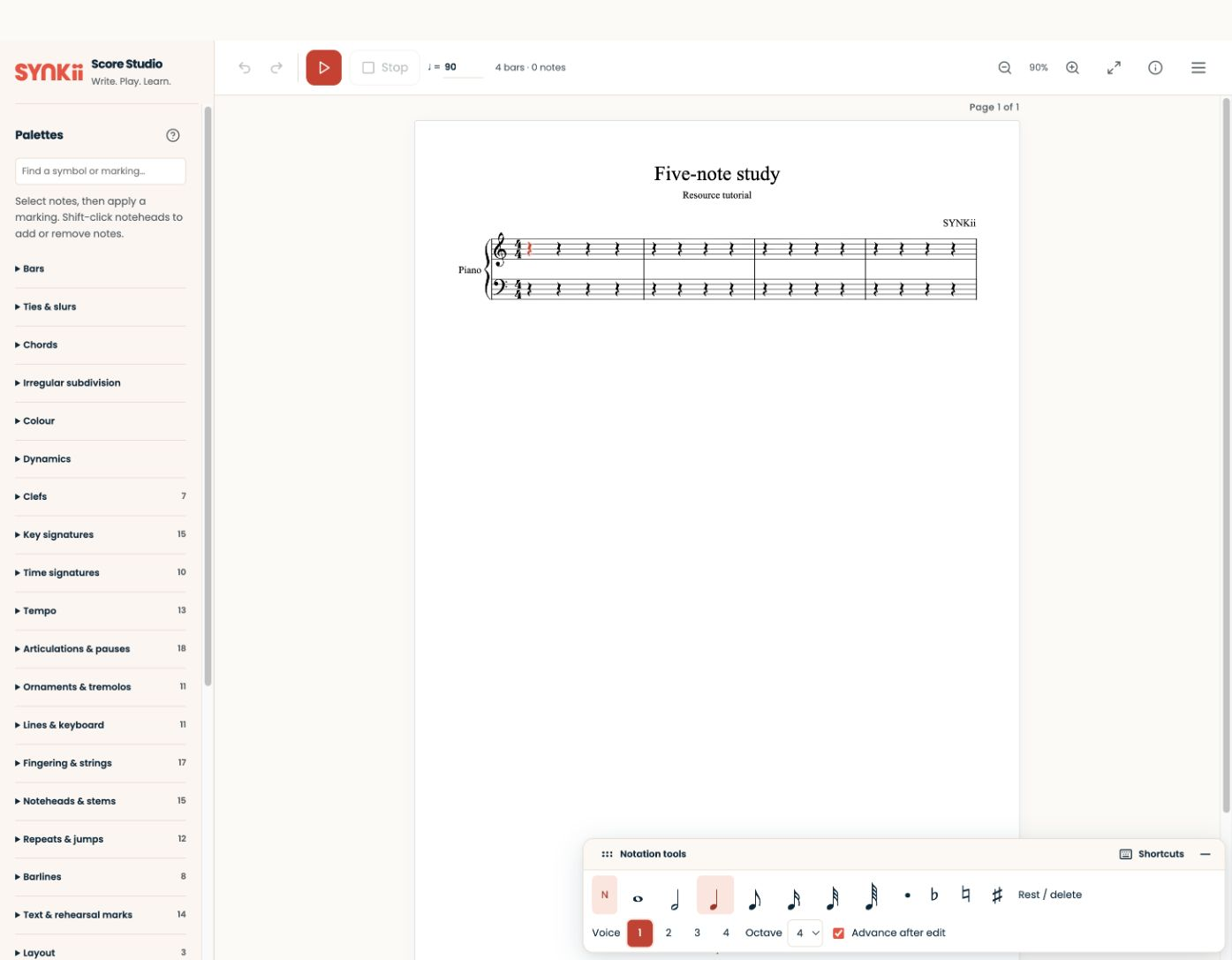
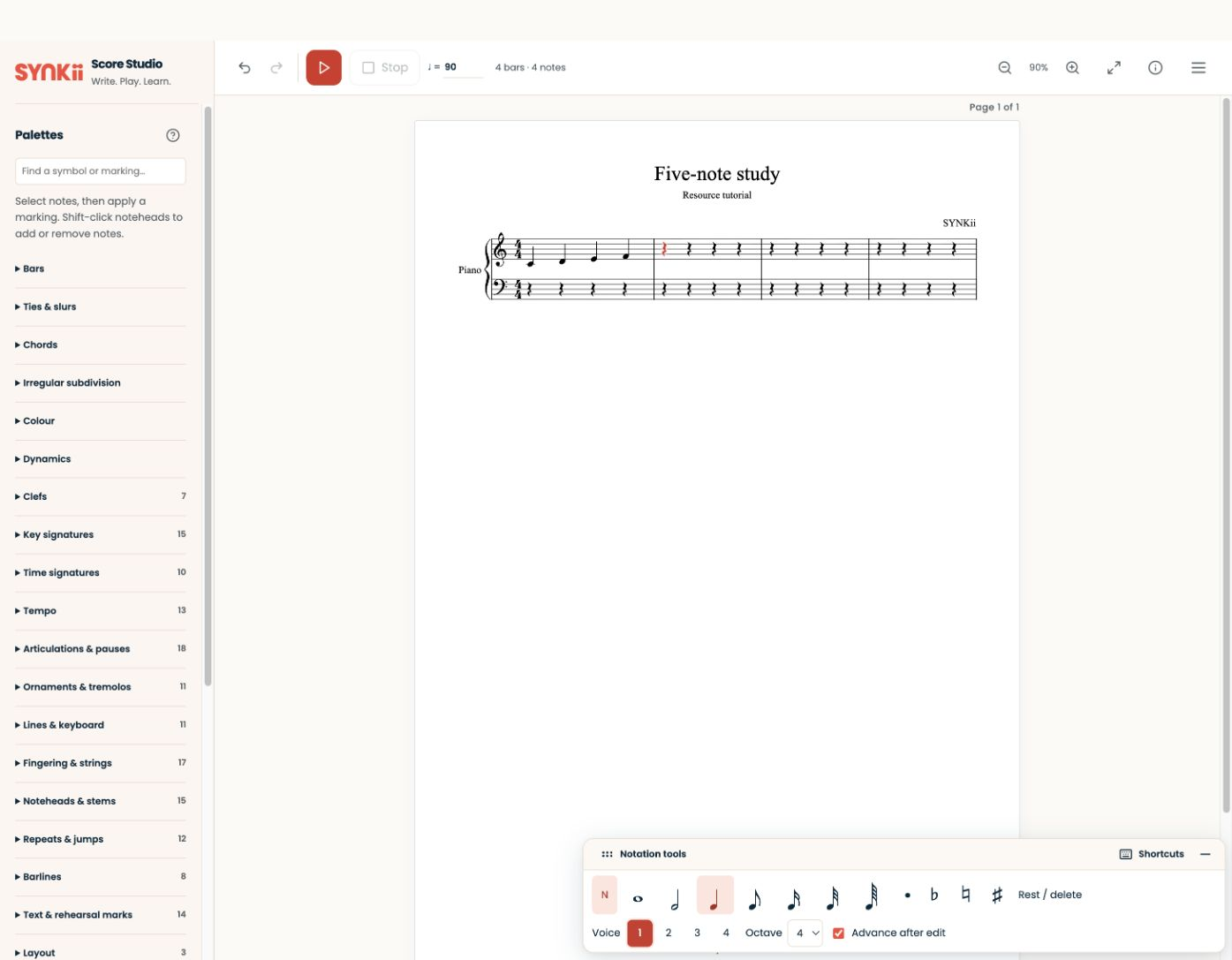
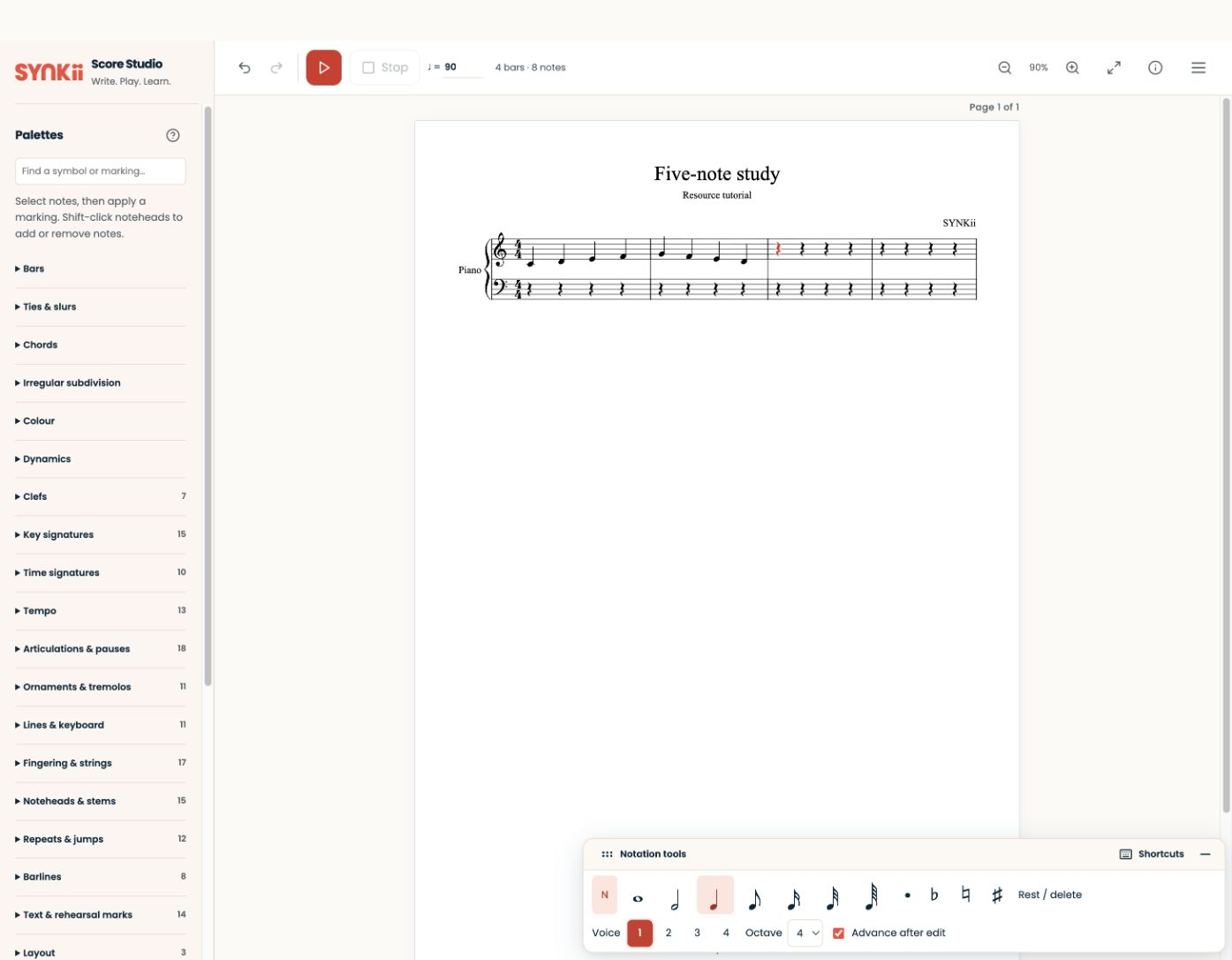
Score Studio is coming in November 2026, included from Pro. The four slides show the local pre-release editor: score setup, a blank page, the first bar and the two-bar opening. They do not show a completed playback or export workflow, and final controls may change.
Written walkthrough
Import the original mini-study, check its clef and metre, change one musical detail, listen back and export using the available formats. Reopen the result to verify the change.
Step-by-step explanation
Import or create. “Our exercise has one purpose: keep a steady pulse through a four-bar phrase.”
Inspect the score. “I check the notes and rhythm before adding expression.”
Edit one detail. “I change the phrase ending, then listen to compare the two versions.”
Playback. “This helps me check the notation. I will still demonstrate the intended sound in the lesson.”
Export. “I reopen the exported file and make sure it contains the version I mean to share.”
Before sharing a score
Compare the final notation with the exercise you intended. The screenshot ends after two bars; the downloadable mini-study contains the complete four-bar melody. When the editor is released, check the offered export formats and reopen the exported file before sharing it with a learner.