A useful teaching library makes the right material easy to find and share. Organise around the lesson task rather than the file format alone.
Name the material
Use a recognisable title and useful detail: “Five-note study — C major — score” or “Five-note study — pulse demonstration”. Avoid several files called “new version”.
Upload and check
Open Library and add the resource through the available upload workflow. Check the file opens correctly. For a score, inspect the clef, page order and relevant passage; for audio, listen before sharing.
Only upload material you have permission to use and share.
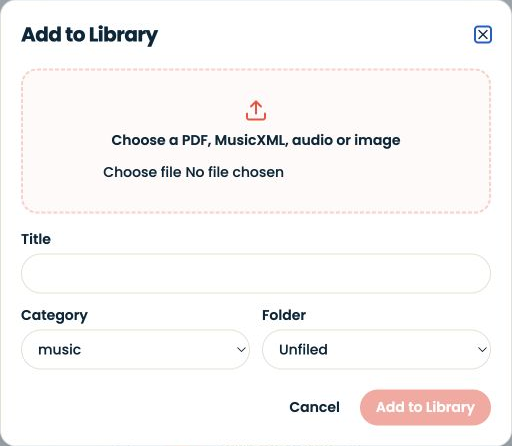
Choose the audience
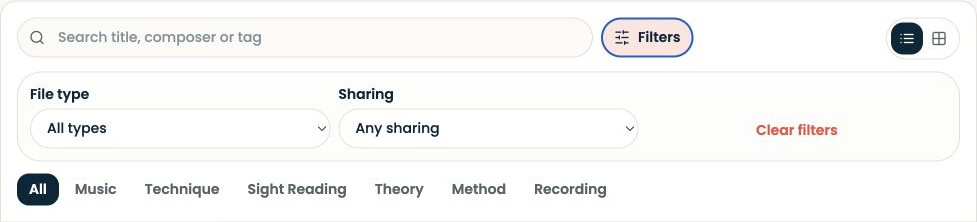
Use the sharing controls to select the intended student or teaching relationship. Check the resulting access rather than assuming every library item is visible to every learner.
A private teacher reference and a shared student resource can have similar titles but different audiences.
Connect it to guidance
A file alone does not explain the task. In the lesson note or assignment, name the resource and the place to begin: “Open the C-major study and work on bars 1–2.”
Review occasionally
Keep current versions clear. Before removing or replacing an item, consider whether existing assignments still refer to it. Do not break a student’s practice task while tidying the library.