Share this explanation with a family when you introduce the studio workspace. It explains the records without imposing a cancellation or payment policy.
Your schedule
The calendar shows the lesson arrangement agreed with your teacher. Check the complete date, time and duration. If you need a change, contact the teacher; a request is not confirmed until you have agreed the new arrangement.
Example: A Tuesday lesson moves to Thursday for one week. Check that both you and the teacher understand whether this is a one-off change.
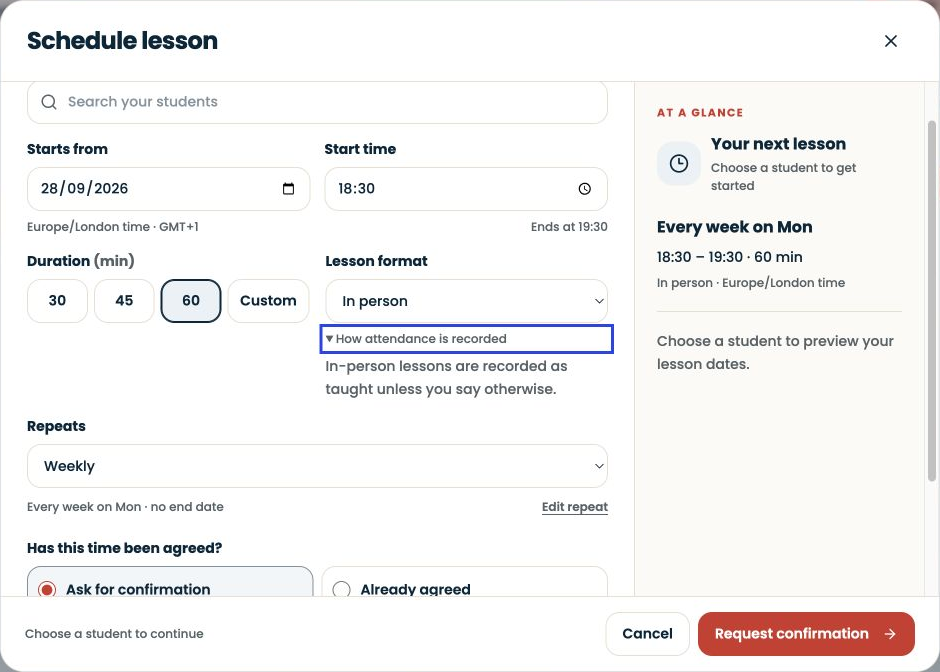
Your attendance record
Attendance describes what happened at a particular lesson. If a record looks wrong, give the teacher the date and explain the discrepancy. Attendance and payment are different things.
Example: You attended Thursday’s replacement lesson. Ask which record represents that lesson rather than assuming Tuesday should also be marked attended.
Your invoice
An invoice identifies the lessons or charges being billed. Check the coverage dates and amount against your agreement. Follow the teacher’s payment instructions and contact them if anything is unclear.
Example: Four lessons at an illustrative £30 each total £120. A payment status should reflect the payment record, not simply the number of lessons attended.
A useful message
“I am looking at the lesson on 15 October. We agreed to move it to 17 October. Could you check which date should appear on the invoice?”
Students and guardians do not pay a separate SYNKii platform subscription to join their teacher. Lesson fees remain payable under the arrangement with that teacher.