A trustworthy calendar tells you what was agreed; attendance records tell you what actually happened. Keep those two jobs separate.
Before the teaching week
Open Schedule and check the upcoming lessons against your current agreements. Look at the student, start time, duration and whether the meeting is online or in person. For a repeating arrangement, review the individual dates around holidays and other exceptions.
If a change is still being discussed, do not treat it as agreed. Confirm the new time with the family before relying on the revised schedule.
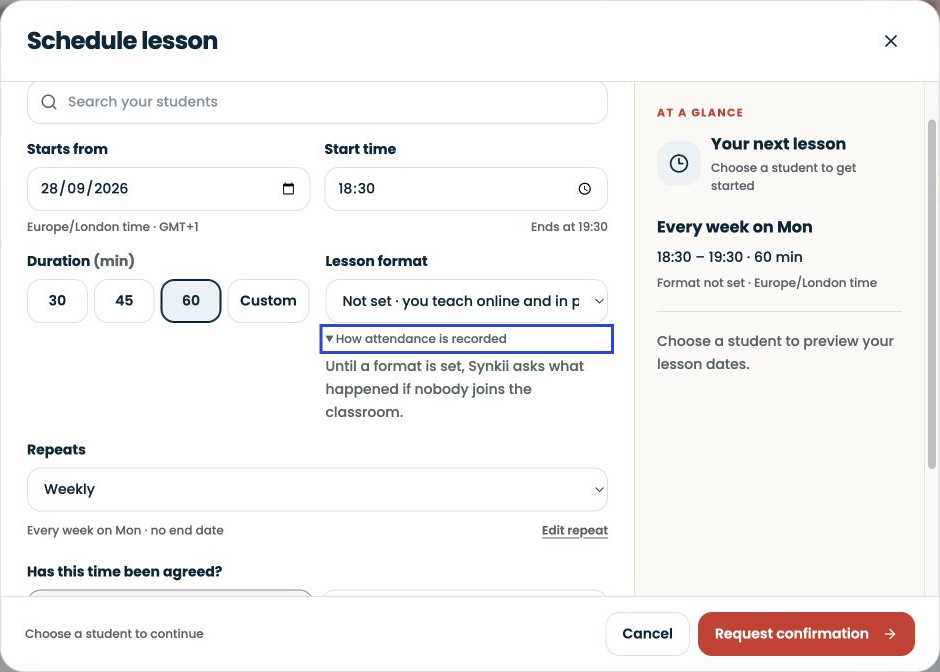
Open the Classroom for online and in-person lessons
If your plan includes SYNKii Classroom, open the scheduled lesson’s Classroom when teaching, even when the student is sitting beside you. Selecting In person in the calendar is not a substitute for opening the teaching workspace.
This connects the teaching session with the lesson record used later for attendance review and invoicing. For Studio teachers, it also provides the lesson context for capturing notes. Make opening the Classroom part of your start-of-lesson routine, then check the lesson record afterwards; opening a room alone is not proof that a lesson was completed or paid for.
Starter teachers should continue to maintain attendance through the scheduling tools available in their plan.
After each lesson
Record attendance using the options offered for that lesson. Use the status that describes the event, not the payment outcome you hope to achieve. A cancellation, absence and completed lesson are different records.
For example, if a student misses Tuesday but you agree a replacement on Friday, keep enough context to distinguish the missed lesson from the replacement. Do not simply mark Tuesday as attended because teaching happened later.
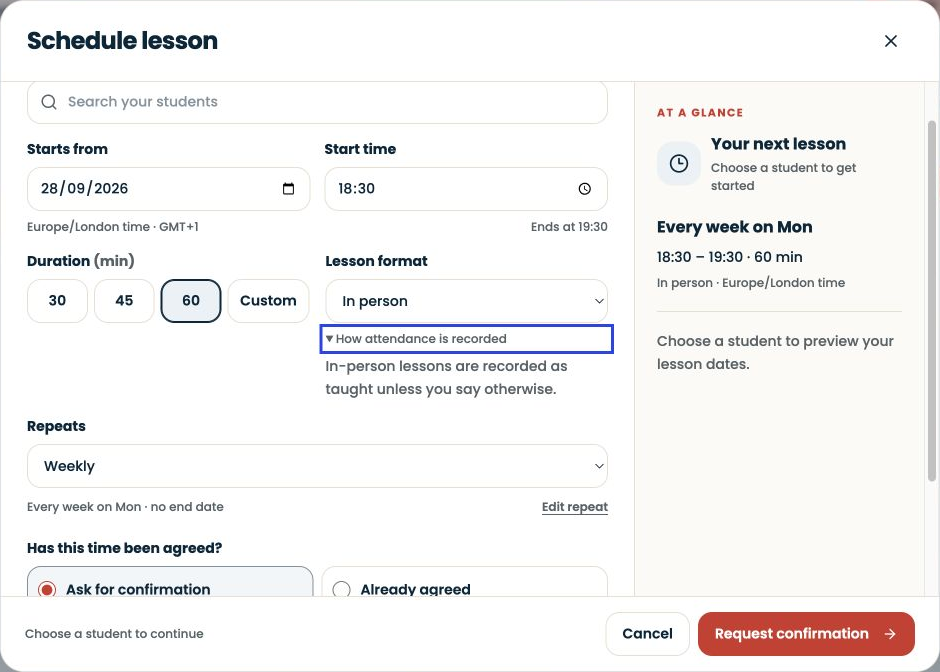
Review the week
Check for lessons that still need an attendance decision. Compare the history with your messages when something is unclear. Correct a record while the event is fresh rather than reconstructing a month from memory.
Attendance may affect later billing workflows, but it is not the same as receiving money. Review the lesson records when preparing invoices and apply your agreed arrangements.
Common problem
If a family remembers a different time, confirm the date and time zone as well as the hour. “Tuesday at four” is less useful than a complete date and an agreed local time.