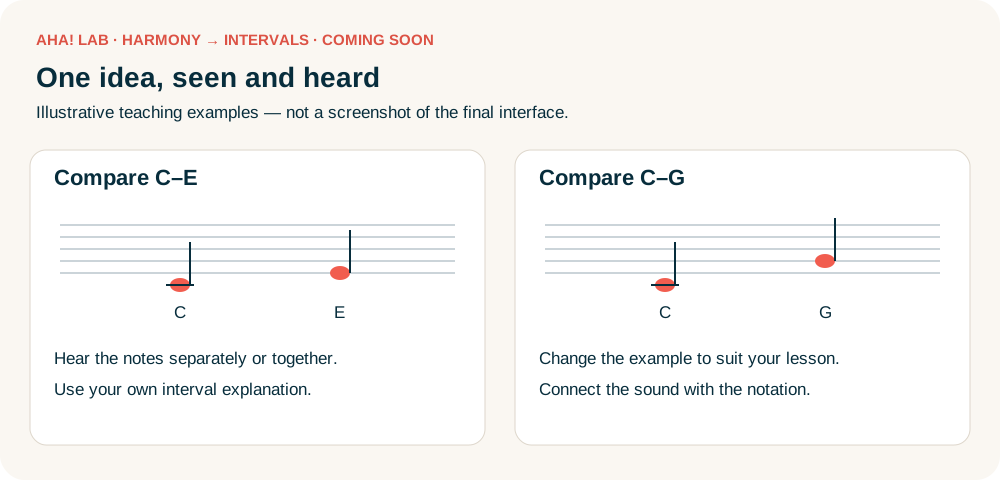
Use SYNKii to demonstrate intervals and give students practice that fits the way you already teach. Choose the examples and explanations that suit your student.
Prepare before the lesson
Explore the exercise settings from the dashboard while preparing. When the lesson begins, open the classroom for both online and in-person teaching so you can work through the task together.
Set the exercise in SYNKii
Open Theory & Aural → Create exercise → Interval Identification. Choose Specific when the learner should name both the number and quality. Select only the interval choices you want to practise.
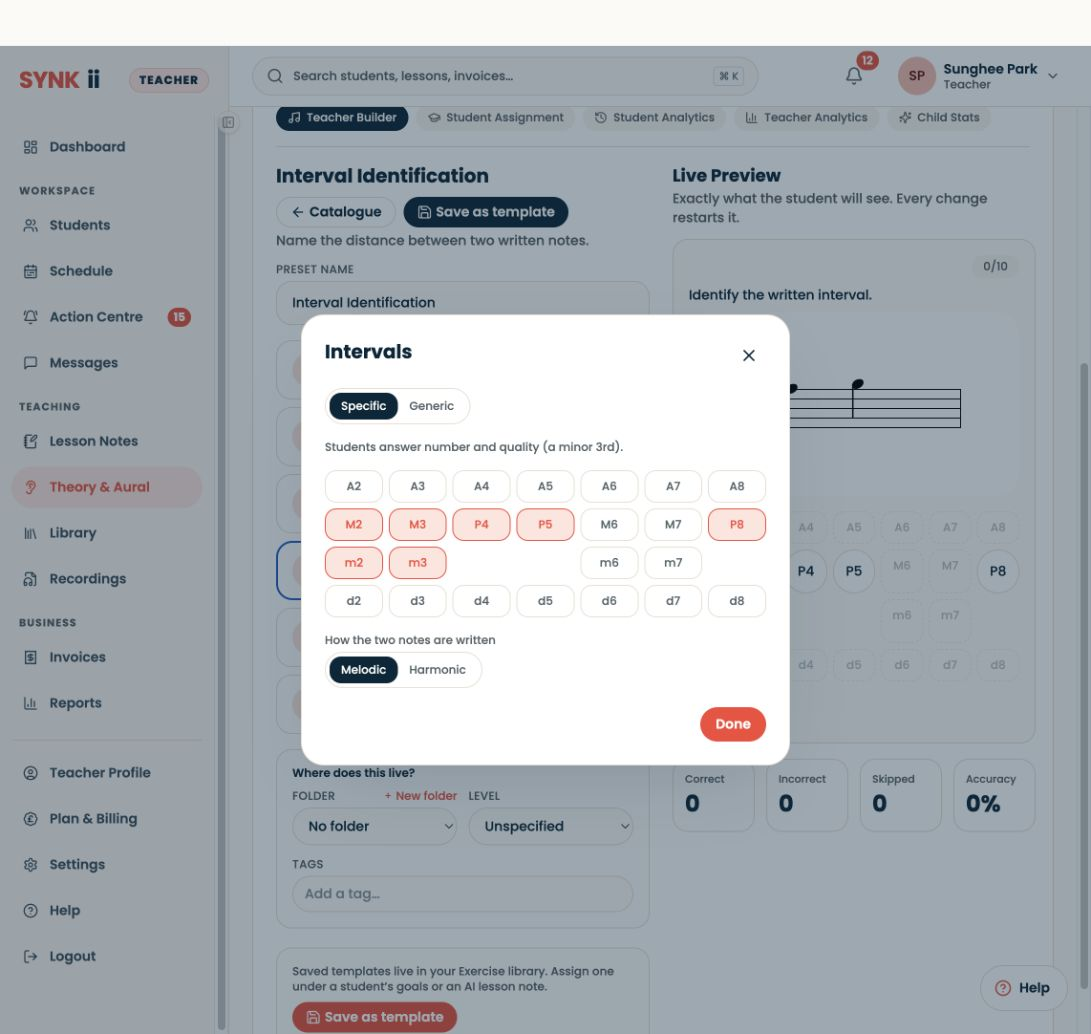
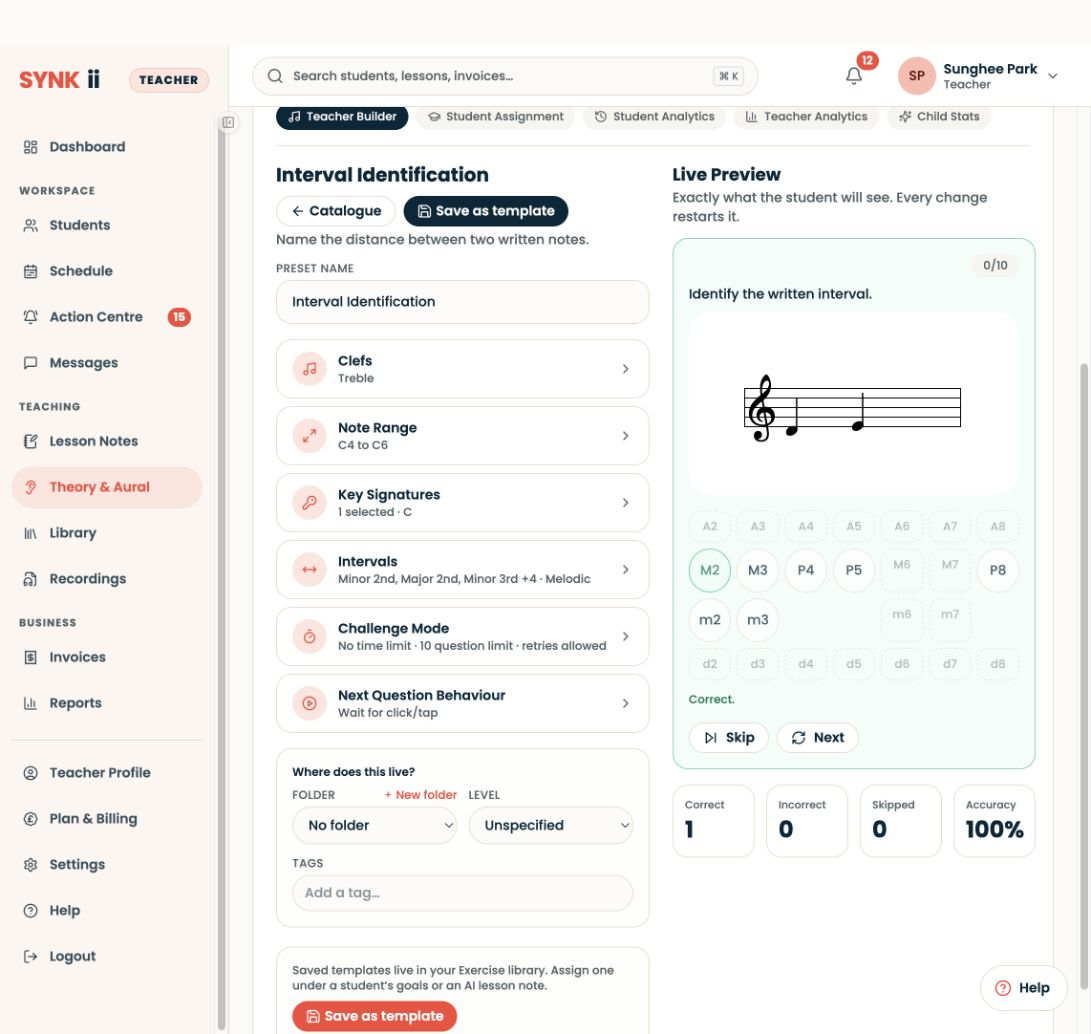
Try a question in Live Preview. The counters here describe your preview attempt, not a learner’s saved report.
Try it together and assign it during the lesson
Customise the exercise to match the intervals you are covering. Try questions together so the student becomes familiar with the task and its controls. Use your own approach to discuss their answers, then assign the exercise during the lesson for repeat practice before the next one.
For listening practice, choose Interval Identification (aural) and check the playback settings and Live Preview before assigning it.
Demonstrate with SYNKii Lab — coming soon
In SYNKii Lab → Harmony → Intervals, use the interval tools to connect what the student hears with the keyboard and notation. Customise the musical examples to support your explanation, then return to Interval Identification for practice. SYNKii Lab is currently a prototype and is coming soon.