Review the session, then adjust
- 01
Open
Students → select the learner → Practice → select a session.
- 02
Review
Compare accuracy across the week’s attempts.
- 03
Adjust
Make the task easier or harder and try it together.
From your teacher account, open Students → select the learner → Practice, then inspect a session.
Written walkthrough
From your teacher account, open Students → select the learner → Practice, then inspect a session. Review accuracy where an exercise provides it, alongside its settings and attempts. Use the week’s evidence to adjust the next assignment. During the next lesson, try the revised task together in the Classroom and assign it before the student leaves.
Step-by-step explanation
Open the practice session
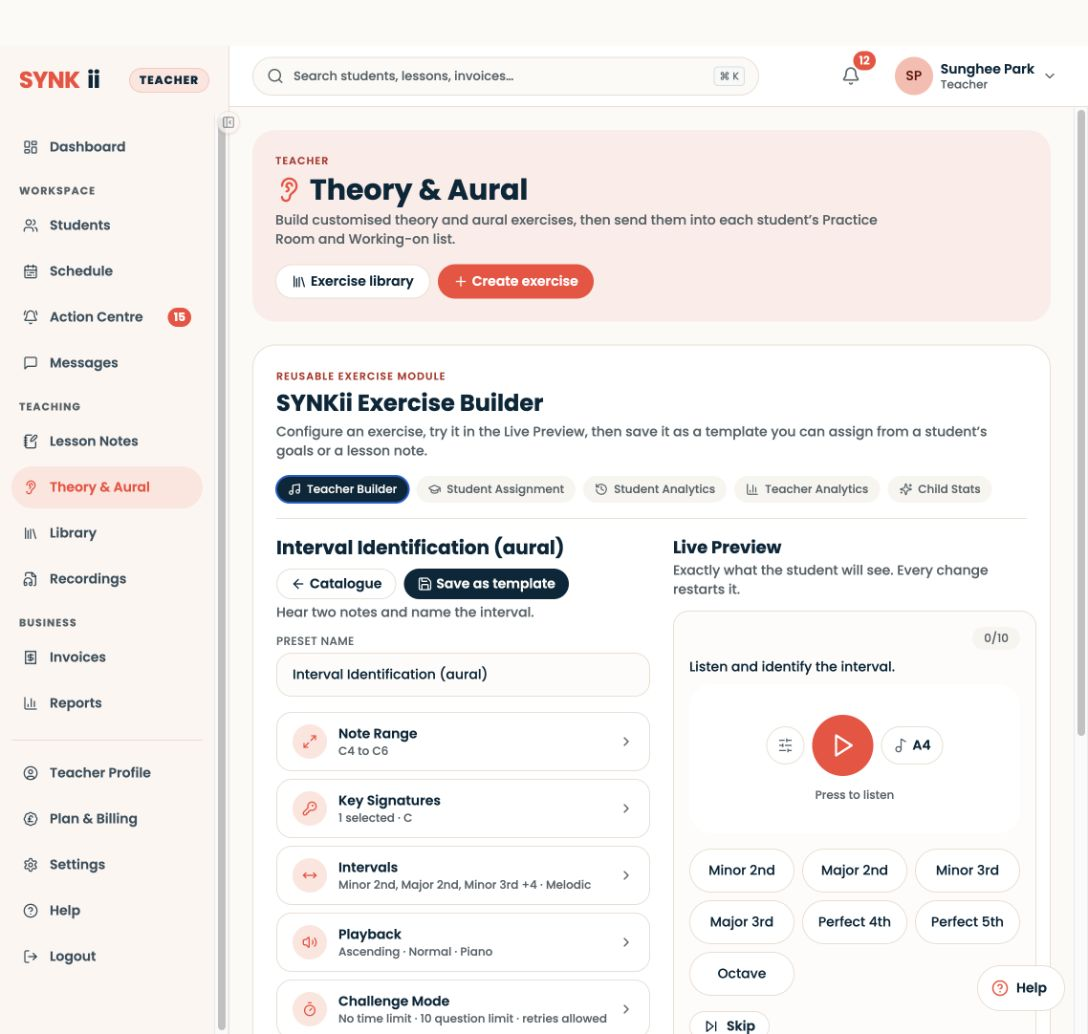
Go to Students → select the learner → Practice in your teacher account, then select a session. Review the exercise the student attempted and its recorded accuracy. Use the actual student session, rather than the exercise builder’s Live Preview counters.
Compare the week’s attempts
Look at the pattern across available sessions. Consider accuracy alongside the exercise settings and the student’s own account of what felt easy or difficult. A single percentage is a starting point for a conversation, not a complete assessment.
Make the assignment easier or harder
If the student is struggling, narrow the question choices or reduce the difficulty. If they are consistently comfortable, broaden the choices or increase the challenge. Keep the change connected to what you are teaching.
Try the revised task together
During the next lesson, open the classroom, customise the exercise and try it with the student. Assign the revised task during the lesson so they know what to practise during the coming week.