Pick a destination by its job
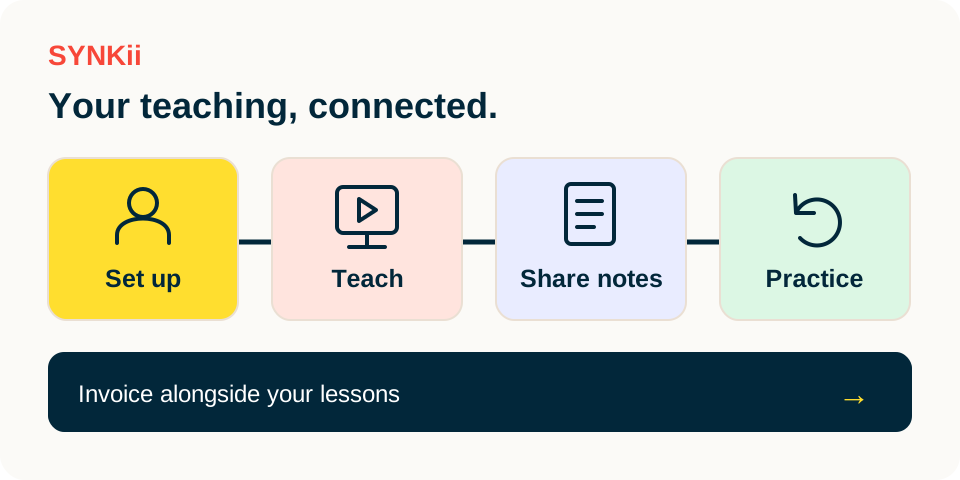
- 01
Students
Who am I teaching, and what are we working on?
- 02
Schedule
When is the agreed lesson?
- 03
Messages + Library
The conversation and the shared material.
- 04
Invoices
What was billed, and what is its recorded status?
Use Students for a learner’s record, Schedule for lesson times, Action Centre for items needing a decision and Messages for conversations.
Step-by-step explanation
Find the right area
- Use Students for a learner’s record, Schedule for lesson times, Action Centre for items needing a decision and Messages for conversations.
- Under Teaching, use Lesson Notes, Theory & Aural, Lab, Library and Recordings.
- Invoices and Reports are under Business; subscription settings are in Plan & Billing.
- Features and actions depend on your plan and role.
Written walkthrough
Use the steps above in the correct account and teaching relationship. Check that the intended lesson, student or resource is selected before making changes. If an action is unavailable, check your plan and the current lesson or assignment status. Confirm the result on screen before leaving the page.